Education · Styling
Jewelry for Video Calls: What Looks Good on Camera
On a video call, you're a head and shoulders in a small rectangle. That changes which jewelry works — and a couple of pieces that look great in person can be surprisingly distracting on screen.
Written by the Mapple Gems workshop, Surat · Updated 27 September 2026
Short answer
On video calls, earrings and necklaces are the only jewelry most people see, so choose small studs or huggies and a fine chain or pendant. Avoid large, swinging earrings and very reflective pieces that flash in the light, and remember that microphones pick up the sound of bracelets on a desk. A simple, polished look reads best on camera.
Cameras compress detail and exaggerate movement and glare. Pieces that sparkle beautifully across a room can turn into distracting flashes on a laptop screen, while small, steady pieces look crisp and professional.
What works on camera
| Piece | On camera |
|---|---|
| Small studs / huggies | Crisp and polished |
| Fine chain or pendant | Frames the face nicely |
| Long drops | Swing and distract when you nod |
| Bangles / bracelets | Clink on the desk; the mic hears it |
| Large statement necklace | Can dominate the frame |
From the bench in Surat
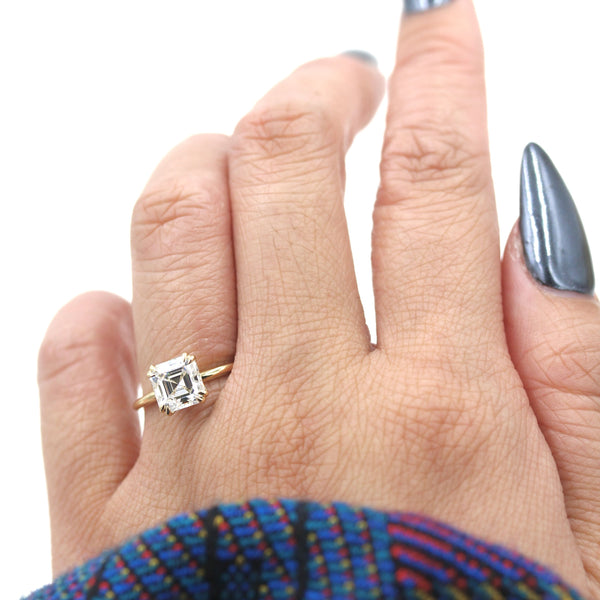
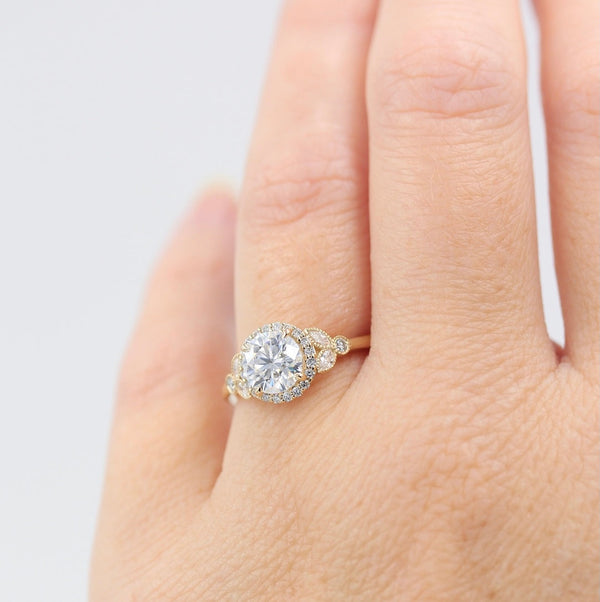
Here's a quirk of cameras: a ring light or a desk lamp is a small, bright, directional light — exactly the kind of light that makes stones throw bright flashes. In person that's lovely; on a webcam, a large stone near the face can flicker in and out of white spots as you move. Small stones don't have the same effect, which is one reason studs look so good on calls. If you wear a larger stone, soften the light by bouncing it off a wall rather than pointing it straight at you.
Quick tips
Check yourself on camera before an important call. Keep hands and rings out of frame unless you're presenting something. For interviews, see job interview jewelry; for earrings that suit you, earrings for your face shape.
Video call checklist
- Wear small studs or huggies.
- Add a fine chain or pendant.
- Skip long swinging drops.
- Take off bracelets that clink.
- Soften bright lights to reduce flashes.
- Check your look on camera first.
- Keep one metal colour.
- Keep pieces clean for a crisp image.
Video call jewelry FAQs
What jewelry looks best on video calls?
Small studs or huggies and a fine chain or pendant, which look crisp without distracting.
Why does my ring flash on camera?
Bright, direct lights like ring lights make larger stones throw flashes. Softening the light reduces it.
Should I avoid bracelets on video calls?
Bracelets that tap a desk can be picked up by the microphone, so quiet pieces are better.
Are statement earrings okay on camera?
Fixed statement studs can work; long swinging drops tend to distract.
Leave a comment